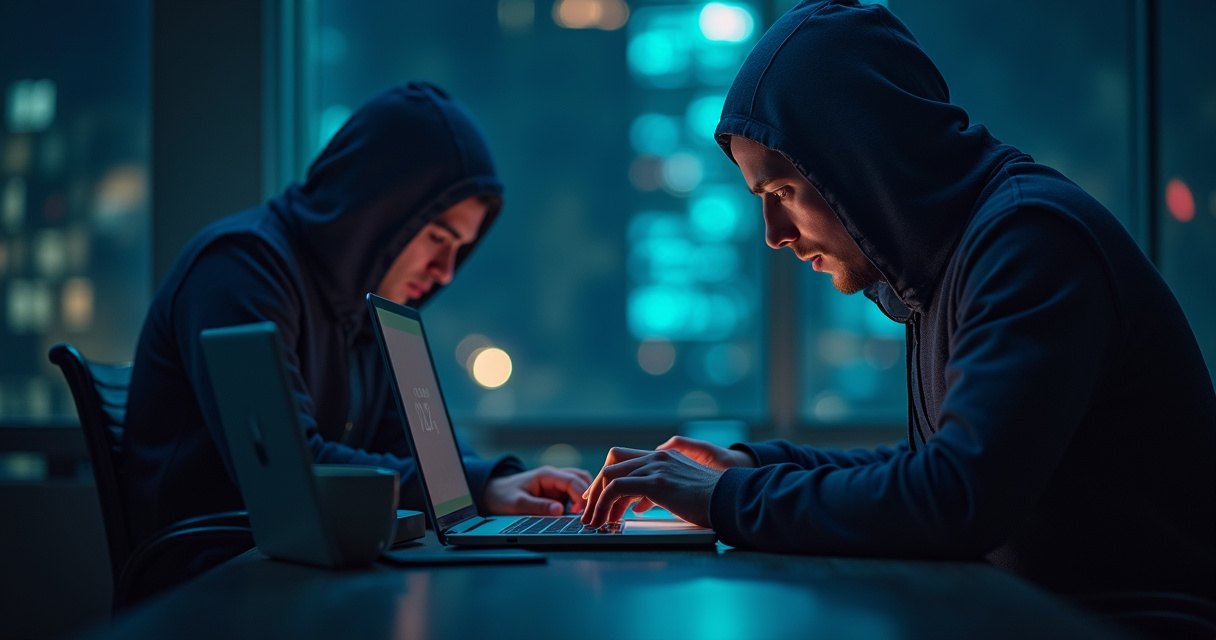
Digital security is no longer an optional luxury but a fundamental necessity in an era where personal and financial data exists almost exclusively in the cloud. Learning how to protect your online accounts from hackers requires a shift in mindset from passive usage to active defense. Cybercriminals utilize sophisticated automated tools to scan for vulnerabilities, ranging from weak passwords to exposed recovery information. By implementing a layered security strategy, users can significantly reduce the risk of unauthorized access and data breaches.
Establishing a Foundation with Robust Authentication
The most frequent point of failure in account security is the reliance on simple, recycled credentials. A strong password should be complex, unique, and long, typically exceeding 16 characters. Utilizing a reputable password manager simplifies this process by generating and storing encrypted credentials for every service used. This practice eliminates the temptation to reuse passwords across multiple platforms, which is a primary target for credential stuffing attacks.
Beyond password complexity, Multi-Factor Authentication (MFA) serves as the most effective barrier against unauthorized access. MFA requires a second form of verification, such as a time-based one-time password (TOTP) from an authenticator app or a physical security key. Even if an attacker obtains the correct password, they remain locked out without the secondary authentication factor. Hardware security keys provide the highest level of protection by requiring a physical device to be present, effectively mitigating remote phishing attempts.
Identifying and Neutralizing Social Engineering Threats
Hackers frequently bypass technical defenses by manipulating human behavior through social engineering. Phishing remains the most prevalent method for harvesting login credentials. These attacks often manifest as urgent emails or text messages that mimic legitimate services, such as banking institutions or streaming platforms. These messages typically direct users to fraudulent websites designed to capture sensitive information.
Vigilance involves verifying the legitimacy of every communication. Before clicking any link, inspect the sender’s email address for subtle inconsistencies. Hovering over a link reveals the destination URL, which should match the official domain of the service provider. Furthermore, legitimate organizations rarely request passwords or sensitive account details via unsolicited emails. Maintaining a healthy skepticism toward unexpected requests for urgent action is a critical component of defensive digital hygiene.
Comparison of Account Security Protocols
| Security Method | Protection Level | Implementation Difficulty | Primary Benefit |
|---|---|---|---|
| Password Manager | Very High | Easy | Eliminates credential reuse |
| SMS-based 2FA | Moderate | Very Easy | Basic secondary verification |
| Authenticator App | High | Moderate | Resists SIM-swapping |
| Hardware Security Key | Exceptional | Advanced | Immune to remote phishing |
Managing Account Recovery and Privacy Settings
Account recovery options are often the “backdoor” hackers exploit when primary credentials fail. If a recovery email or phone number is outdated or compromised, an attacker can initiate a password reset to take full control of the account. Regularly auditing recovery information ensures that only current, controlled contact methods are linked to sensitive profiles. Disabling SMS-based recovery in favor of backup codes or trusted device verification adds another layer of resilience.
Privacy settings also play a role in account protection. Many platforms share user data publicly by default, which can be harvested by attackers to craft personalized phishing campaigns. Restricting visibility of personal information, such as birthdays, location history, and contact details, limits the amount of intelligence available to malicious actors. Minimizing the digital footprint reduces the likelihood of being targeted for identity theft or account takeover attempts.
Securing Network Connections and Devices
The environment from which an account is accessed is as important as the credentials themselves. Public Wi-Fi networks in airports or cafes are often unsecured, allowing attackers to intercept traffic through man-in-the-middle attacks. Using a Virtual Private Network (VPN) encrypts internet traffic, ensuring that data remains private even on untrusted networks. This is especially vital when accessing banking or email accounts while traveling.
Device security is equally important. Operating systems and applications must be updated promptly, as these updates frequently contain patches for critical security vulnerabilities. An unpatched browser or operating system can be exploited to install keyloggers or spyware that track keystrokes and capture login information. Regular malware scans and the use of reputable security software provide a final line of defense against malicious programs that attempt to compromise account credentials.
Proactive Monitoring and Incident Response
Even with rigorous security measures, users should engage in proactive monitoring of their digital presence. Many services provide logs of recent login activity, including the location and device type used. Reviewing these logs periodically can reveal unauthorized access attempts before they escalate into full account takeovers. Additionally, enabling login alerts ensures immediate notification via email or push notification whenever a new device accesses an account.
If a breach is suspected, immediate action is required. This includes changing the password for the affected account and any other accounts that share the same credentials. Revoking access for all third-party apps that have permissions to the account is also necessary, as attackers may leave malicious integrations behind to maintain access. Reporting the incident to the service provider and monitoring financial statements for suspicious activity helps contain the damage and prevent further exploitation.
Frequently Asked Questions
What is the most secure form of Multi-Factor Authentication?
Physical security keys are widely considered the most secure form of MFA because they are resistant to phishing and cannot be intercepted remotely.
Should I use my phone number for account recovery?
Using a phone number for recovery carries risks such as SIM-swapping, where an attacker hijacks the phone number. Using authenticator apps or backup codes is generally safer.
How often should I change my passwords?
If you use a strong, unique password generated by a manager, you do not need to change it frequently. Change it immediately if you suspect a breach or if a service provider notifies you of a data leak.
What should I do if a website is breached?
Change your password for that site immediately. If you reused that password elsewhere, change it on those platforms as well, and ensure MFA is enabled on all critical accounts.
Conclusion
Learning how to protect your online accounts from hackers involves a comprehensive approach that prioritizes authentication, vigilance, and technical maintenance. By moving away from weak, repetitive passwords and adopting modern tools like password managers and hardware security keys, users can build a robust defense against common cyber threats. Recognizing the tactics used in phishing and social engineering allows for safer interaction with digital services, while consistent monitoring and software updates ensure that security remains effective over time. Protecting personal data is a continuous process, but by consistently applying these principles, it is possible to maintain control over digital identities and minimize the risk of unauthorized access in an increasingly connected world.
Featured Image Credit: Generated/Sourced via Runware.ai.
Disclaimer: This article is AI-generated for informational and educational purposes. While we strive to provide high-quality context and authority, the content should not be used as professional advice. The author/website assumes no liability for external links or factual omissions.
Important Links for n8nu.online
© 2026 n8nu.online. All Rights Reserved.